Section-based targeting
Measures the loudest sliding window (default 20 s / 5 s hop), not whole-file average or playback-time trim.
Open source · Windows · WIP
Section-based analysis, true-peak control, and _DG copies — with targets you set, not a one-click promise to win the loudness war. Choose how loud to go, or whether to go at all.
Still in active development. Test on a copy of your library first.
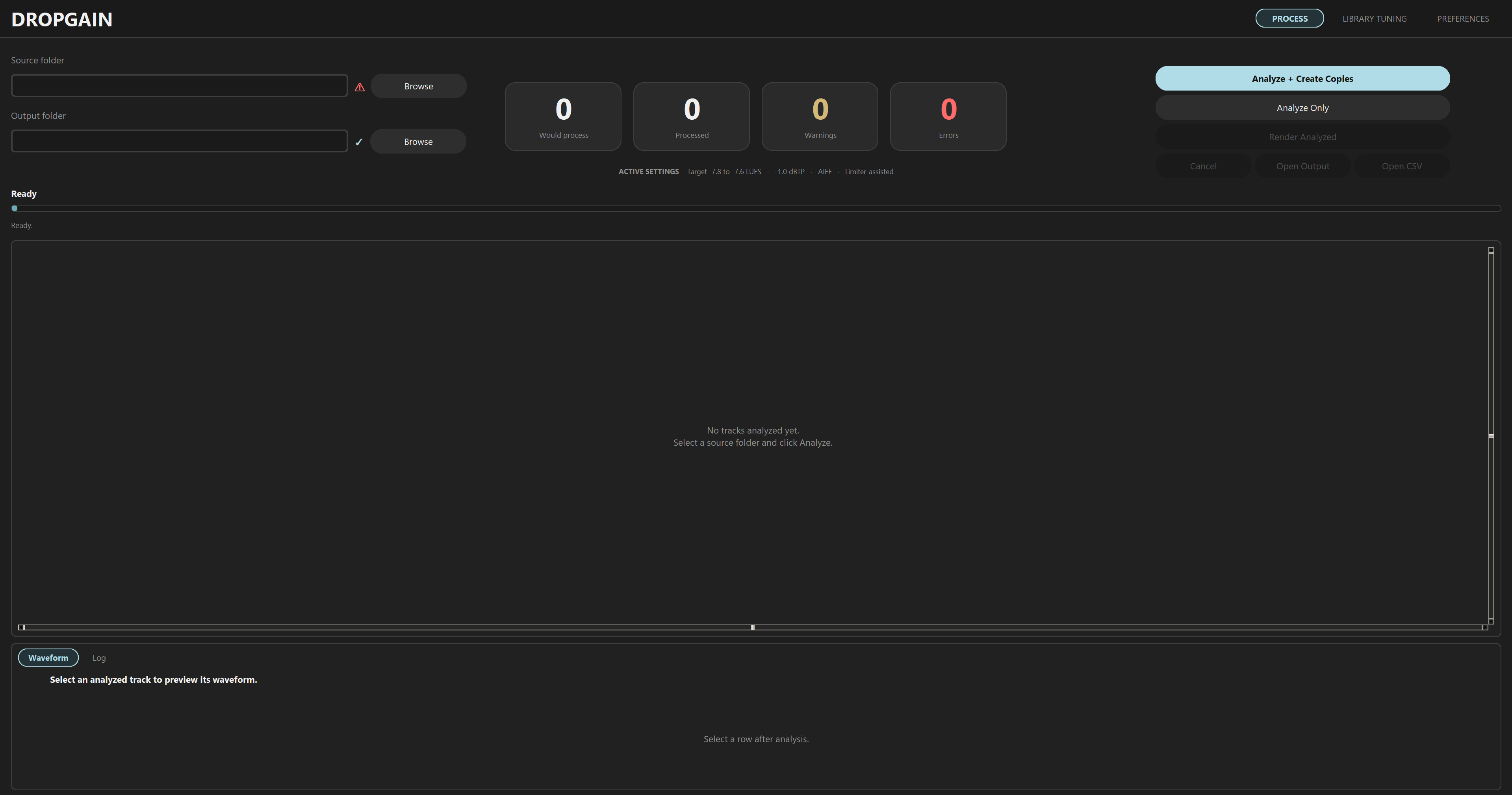
SECTION
Features
Set the LUFS band, ceiling, and gain mode. Inspect per-track numbers before anything renders.
Measures the loudest sliding window (default 20 s / 5 s hop), not whole-file average or playback-time trim.
Default -1.0 dBTP. When level and peak conflict, gain is reduced or limiter-assisted processing applies.
Linear gain when the ceiling allows. FabFilter Pro-L 2 with a capped max reduction when peak control is needed.
Recursive scan with per-track LUFS, dBTP, suggested gain, limiter estimate, and render eligibility.
Non-destructive copies beside sources or under a separate root. Preserve original format or force AIFF/MP3.
Profile your library and get recommended targets, window/hop, thresholds, and ceiling settings.
Post-render re-measurement, loudness tags stripped, optional CSV report and session log.
On positive gain only: low-band energy can reduce boost on bass-heavy sections.
Workflow
_DG in five stepsAnalyze your library, review per-track numbers, then render copies. Library Tuning is optional profiling along the way.
Requirements
Launch main.pyw from the app repo. Use Preferences to validate Pro-L 2 and system dependencies before batch render.
Disable playback auto gain in Rekordbox, Serato, TRAKTOR, and VirtualDJ when loading _DG exports.
Pick your targets, review the table, render _DG copies when you're ready. Free, open source, and yours to inspect.